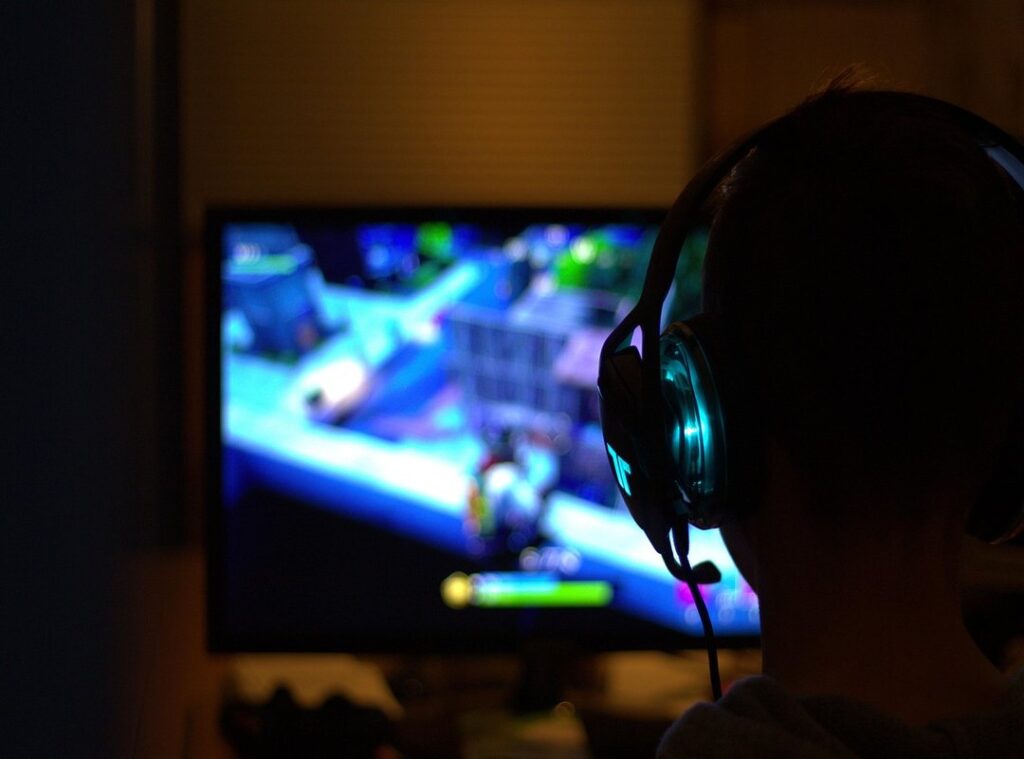
Generic pre-built gaming PCs drive me crazy. They often fall short on performance and upgradeability. You know what I mean.
It’s frustrating when an off-the-shelf machine doesn’t meet your specific gaming needs. You end up making compromises that lead to dissatisfaction.
That’s where a custom-built gaming computer comes in. A DIY gaming rig lets you tailor every aspect to your preferences, budget, and gaming demands. It’s all about performance and longevity.
With years of experience in gaming hardware, I can guide you through this process. I’ll break down how to understand, plan, and acquire your own custom gaming setup.
Trust me, this article will help you to make informed decisions. You won’t have to settle for less.
Let’s dive in and open up your ultimate gaming experience together. You’ll be ready to take your gaming to the next level.
Why Choose Custom? Unleash Your Gaming Power
Building a DIY gaming rig is like assembling your dream car. You handpick each component for optimal performance, whether you’re chasing 4K resolution or want those silky smooth refresh rates. Why settle for less when you can craft a machine that’s tailor-made for your gaming needs?
The beauty of custom builds lies in their upgradeability. Unlike many pre-built systems that lock you into outdated hardware, a custom rig lets you swap in fresh parts whenever you want. This means more bang for your buck over time.
Plus, there’s no junk software slowing you down. Ever notice how pre-builts come bloated with unnecessary apps? Not here.
A custom rig starts clean, delivering faster gameplay from day one.
And let’s not forget aesthetics. Custom builds allow you to personalize your setup with cases and RGB lighting that scream your style. Want to dive into some unconventional classic games?
Your rig can handle it all.
In the end, it’s about choice, performance, and savings. So, why go custom? Because you deserve a gaming experience that’s as unique as you are.
Deconstructing Your Dream Machine: The Essentials
Building a DIY gaming rig feels like crafting your own masterpiece. You start with the CPU, the brain of your machine. It handles all game logic and background tasks.
Core count and clock speed? They’re your best friends. More cores mean better multitasking, while higher clock speeds give you that edge in gaming.
Then there’s the GPU, which is where the magic happens. It manages the visuals, frame rates, and overall gaming performance. Think of VRAM like the memory for your graphics card.
The more, the better. It ensures smoother graphics and faster rendering.
RAM comes next. It’s your computer’s short-term memory, storing data for active applications and games. I’d say 16GB is the sweet spot, but go for 32GB if you love multitasking.
Storage decisions can be tricky. SSDs are fast (especially NVMe ones), while HDDs offer more space. A combination works best: SSD for your OS and main games, HDD for everything else.
The motherboard? It’s your rig’s central hub. It connects everything, with options for PCIe slots and various form factors.
Don’t forget the PSU. It’s key (okay, I used that word) for stable power. Calculate the wattage you need and opt for an 80 Plus Bronze or Gold efficiency rating.
Cooling matters too. Air coolers are simple, but AIO liquid coolers can offer better performance and longevity.
Got it? Great. Now, get building!
Game On: Crafting Your Perfect Rig
You know that feeling when your game lags at the worst possible moment? Drives me nuts! It’s key to define your gaming needs first.
Are you into competitive FPS or open-world RPGs? That choice alone can dictate your whole setup.
Resolution matters too. Are you sticking with 1080p or thinking of jumping to 4K? Your target frame rates. 60fps or 144fps (can) also make or break your experience.
And then there’s the budget. Be realistic. The GPU often requires the lion’s share, but don’t skimp on other key components.
A well-matched CPU and GPU prevent bottlenecks (you don’t want one part dragging the other down).
Thinking of the future? Spend a little more on components that will stay relevant longer. You’ll thank yourself later.
Or consider parts with clear upgrade paths. Trust me, it’s worth it.
Pro tip: use a diy gaming rig tool for compatibility checks. It’s like having an expert hold your hand through the build process.
Prioritize upgrades based on what limits you most. Usually, it’s the GPU for pure gaming performance. So dive in and enjoy.
Who wouldn’t want a setup that keeps up with next-gen games and your ambition?
Bringing Your Vision to Life: DIY vs. Professional PC Building
Thinking about building a PC? You’re not alone. The age-old question is: should you go the DIY route or hire a professional?

For a DIY enthusiast, building your own rig is a rite of passage. You get to know each component intimately. Plus, you’ll save on labor costs and learn a ton along the way.
It’s not all sunshine, though. Remember static discharge? That’s your enemy.
Tools like a screwdriver and an anti-static wrist strap are must-haves. Installing the CPU, RAM, and GPU is a bit like playing with overpriced Lego. Fun, but tricky.
But let’s be real. Not everyone has the time, patience, or interest in DIY. Enter professional build services.
They offer peace of mind, expert assembly, and rigorous testing. You often get a warranty on labor too. No need to worry about that forgotten cable hiding in plain sight.
Plus, it’s perfect if you’re intimidated by the technical stuff or just short on time.
How do you pick a reputable builder? Look for customer reviews, solid warranty policies, and good communication. Skipping the DIY route might save you a headache or two.
But for those who love tinkering, a DIY gaming rig is a journey worth taking. Just remember, initial troubleshooting might test your patience.
Whether you’re rolling up your sleeves or letting a pro handle it, both paths have their perks. So, what’s it going to be?
Mastering Your Machine: Keeping Your DIY Gaming Rig Alive
Building a custom PC is just the start. You need to keep it running smoothly. First things first, get those GPU and chipset drivers updated.
I mean, what’s the point of a solid rig if it stumbles over outdated software? Keep your operating system fresh, too. It’s a pain, but you’ll thank me later.
You ever notice your game lagging? Check those startup programs siphoning resources. Slim them down.
A lean machine is a mean machine. Background processes are like that annoying neighbor. Always there, always in the way.
Boot them out. And speaking of your rig’s health, keep an eye on CPU/GPU temperatures. Tools like MSI Afterburner are your friend here.
Oh, and don’t skip the physical stuff. Dust is the silent killer of PCs. (I learned the hard way!) Compressed air is worth every penny. Sometimes, games crash or frames drop.
Before you panic, check connections and update drivers. It’s often something simple. And don’t neglect backups and system restore points.
They’re lifesavers.
For those curious about the unexpected in gaming, check out some glitch hunts hidden secrets. Happy gaming!
Level Up Your Gaming Experience
Building a DIY gaming rig is worthwhile. Generic systems can hold you back. A custom setup unleashes your true potential.
Start planning your dream machine today. Whether you go DIY or consult experts, take that step. Embrace personalization now to raise your gaming adventures.
Your future self will thank you.
 Content & Esports Insights Lead
tw_lynx is the Content and Esports Insights Lead at Dtrgsgaming.com, responsible for analyzing competitive gaming trends and producing structured esports content. They specialize in breaking down player performance, tournament outcomes, and evolving game metas into clear and accessible insights. Their work focuses on tracking global esports developments and identifying emerging competitive patterns. tw_lynx bridges analytical research with community-focused content to keep the platform both informative and engaging. They also contribute to strategic gaming guides and tutorial-based content systems. Their expertise helps translate complex esports data into understandable and valuable insights for readers. Through their work, they strengthen the platform’s authority in esports journalism and analysis.
Content & Esports Insights Lead
tw_lynx is the Content and Esports Insights Lead at Dtrgsgaming.com, responsible for analyzing competitive gaming trends and producing structured esports content. They specialize in breaking down player performance, tournament outcomes, and evolving game metas into clear and accessible insights. Their work focuses on tracking global esports developments and identifying emerging competitive patterns. tw_lynx bridges analytical research with community-focused content to keep the platform both informative and engaging. They also contribute to strategic gaming guides and tutorial-based content systems. Their expertise helps translate complex esports data into understandable and valuable insights for readers. Through their work, they strengthen the platform’s authority in esports journalism and analysis.